


Use a colorful, disappearing disk to turn abstract time into something easy to see and manage. This 60-minute mechanical timer supports concentration and everyday routines for children and adults alike.
Visual Focus Tool
🔋 Batteries Included
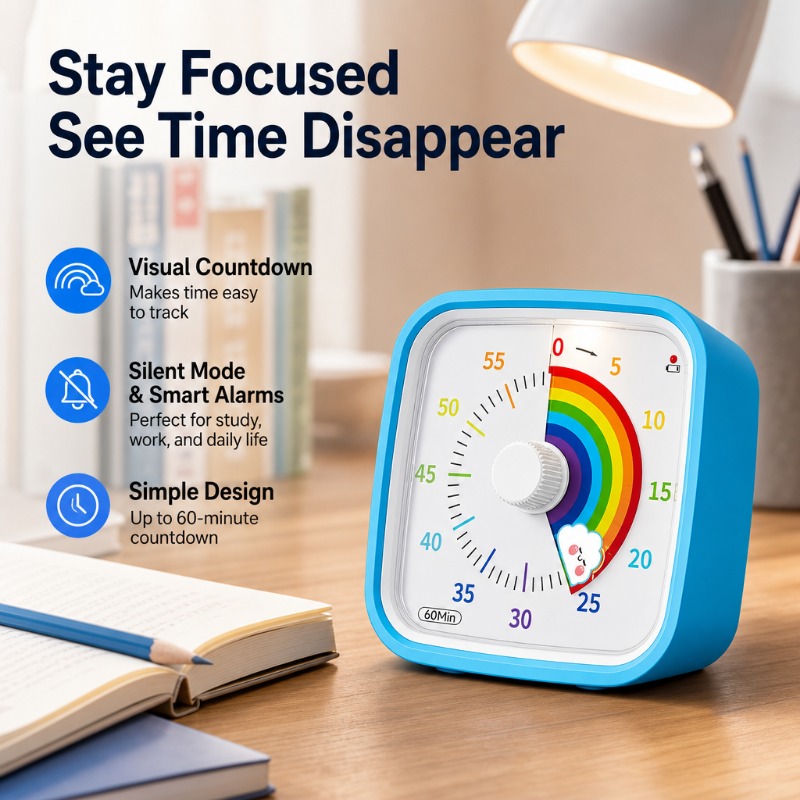
See Time Slip Away, Stay on Track
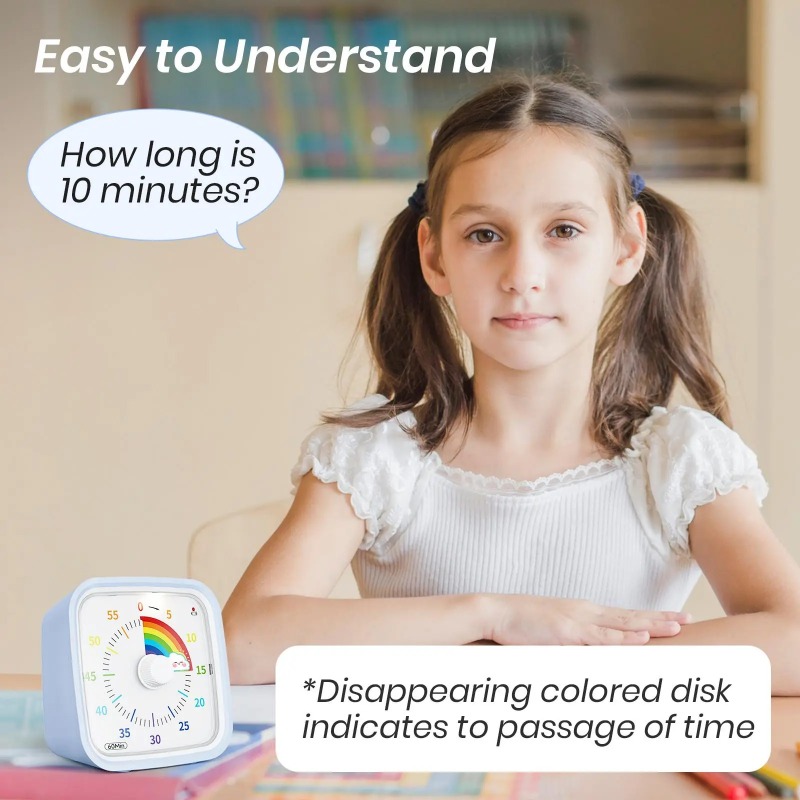
As the minutes pass, the bright rainbow disk slowly vanishes clockwise. This clear visual cue shows children and adults the remaining time immediately, helping ease anxiety and support focused, single-task work without the distraction of digital screens.
Simple Twist to Set and Start
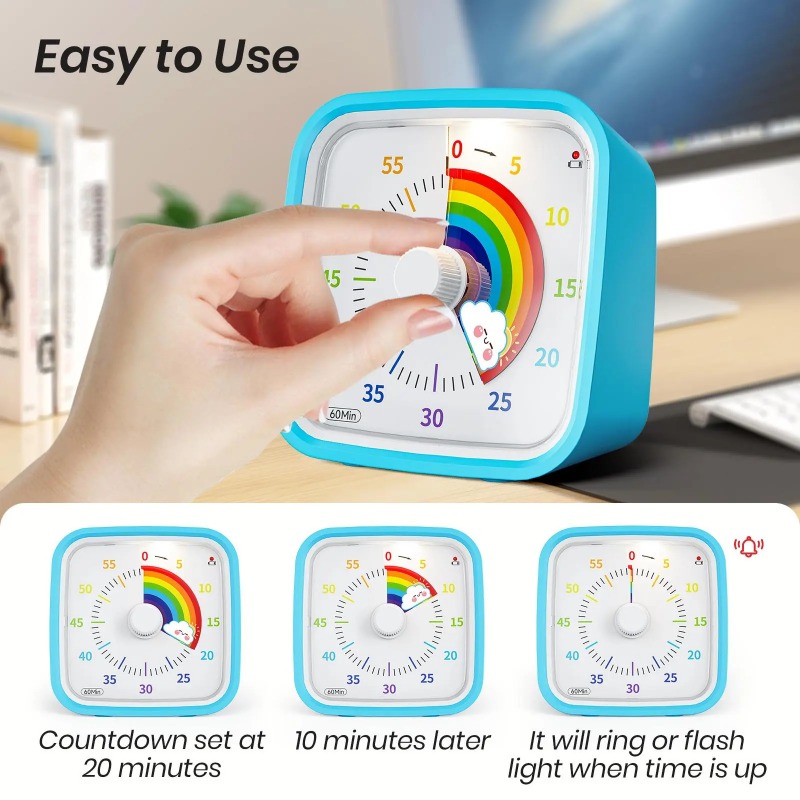
Setting the countdown requires no complicated controls or app. Turn the white center dial clockwise until it reaches the duration you want, with a maximum setting of 60 minutes. The straightforward design is easy for children and older adults to operate on their own.
Adaptable Alerts: Silent or Sound
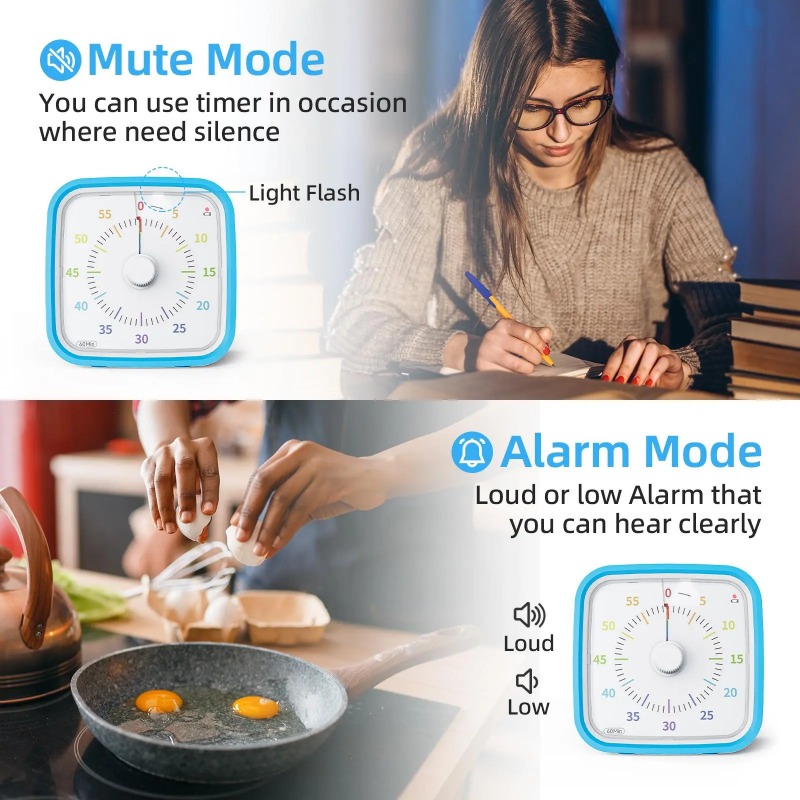
Choose an alert style suited to the setting. Silent light flashing works well in quiet places such as libraries and open offices, while the audible alert offers low or loud volume for active spaces including kitchens and workout areas.
Versatile for Any Activity
Keep track of time during homework, meetings, cooking, fitness, and other daily activities.

Product Specifications
| Product Type | Mechanical Visual Countdown Timer |
|---|---|
| Time Range | Max 60 Minutes |
| Display | Analog Rainbow Disk (Disappears clockwise) |
| Alert Modes | Silent Flash / Low Alarm / Loud Alarm |
| Available Colors | White, Pale Blue, Blue |
| Power Source for Alert | Batteries Included (Ready to use out of the box) |
Frequently Asked Questions
Does this timer tick loudly?
Because it operates mechanically, the timer may make a soft ticking noise while running. The finishing alert, however, can be changed to a fully silent light-flash setting.
Do I need to buy batteries for it?
No. The required batteries come in the package, allowing immediate use out of the box. The 60-minute countdown works entirely through a mechanical mechanism, while the batteries operate the alarm sound and flashing light used when the countdown ends.
How do I set a time less than 5 minutes accurately?
To improve accuracy for short durations, first wind the dial beyond the 55-minute position so the spring engages. Then rotate it counter-clockwise until it reaches the shorter time you need.